
Storage operations
Server storage is spread across the database and data-root directories. Measure and back up each backend that the deployment uses; a usage dashboard is not a disk-space monitor.
Know what occupies storage
The data root includes the configured database, server.toml, artifacts, imported plugins, diagnostics, logs, cache, and state directories. With PostgreSQL, the database is remote but local artifacts and plugins may still occupy the Server host's data root.
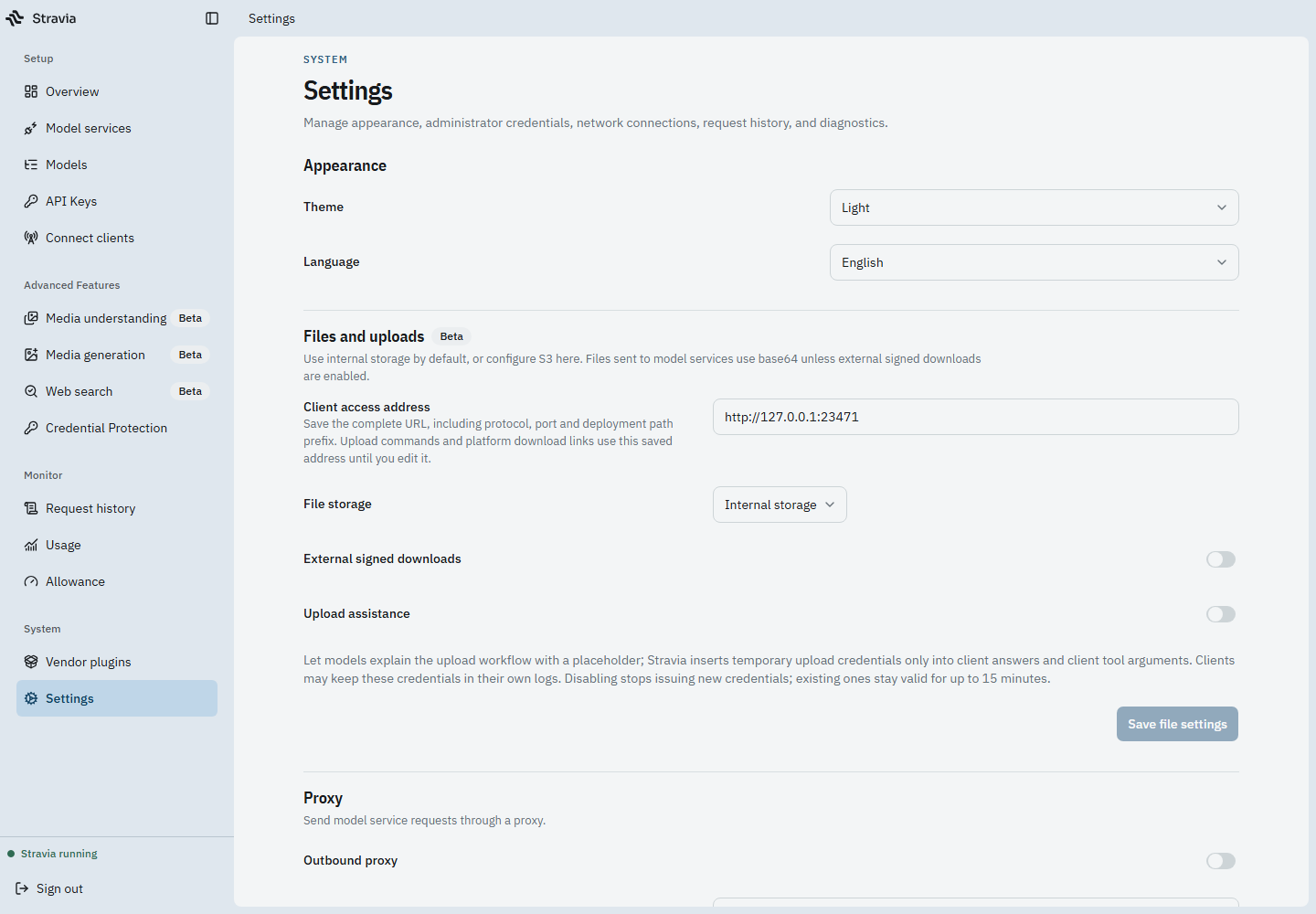
Artifact storage is configured separately in Settings and can use internal/local or S3-compatible storage. See Deploy storage for its URL and transfer settings.
Understand retained observations
Request observations can include readable user input, model activity, tool content, and visible output; they are not metadata-only records. Retention settings govern historical observations, while active interactions are protected from cleanup. Debug wire captures have their own sensitive-data considerations.
Keep operational logs, observations, debug captures, local files, and database backups in access-controlled storage with retention appropriate to the deployment. Do not delete directories manually while Server is running.
Review capacity and growth
Use operating-system or storage-provider tools to inspect disk and bucket capacity. Usage values represent reported model usage, not bytes stored. If growth is unexpected, identify which data-root directory or object backend is responsible before cleaning up.
Next steps
For a complete recovery set use Backup and restore . For artifact URL settings, see Deploy storage .