
Usage and allowances
Usage and Allowances answer different questions. Usage summarizes quantities explicitly reported for Stravia interactions. Allowances displays quota information returned by supported providers. Neither is a universal, exact bill or a guaranteed spend limit.
Read Usage
Open Usage to aggregate reported usage over a selected time range and available dimensions such as model, API key, or provider. Values depend on what the upstream reports and what Stravia can associate with the interaction.
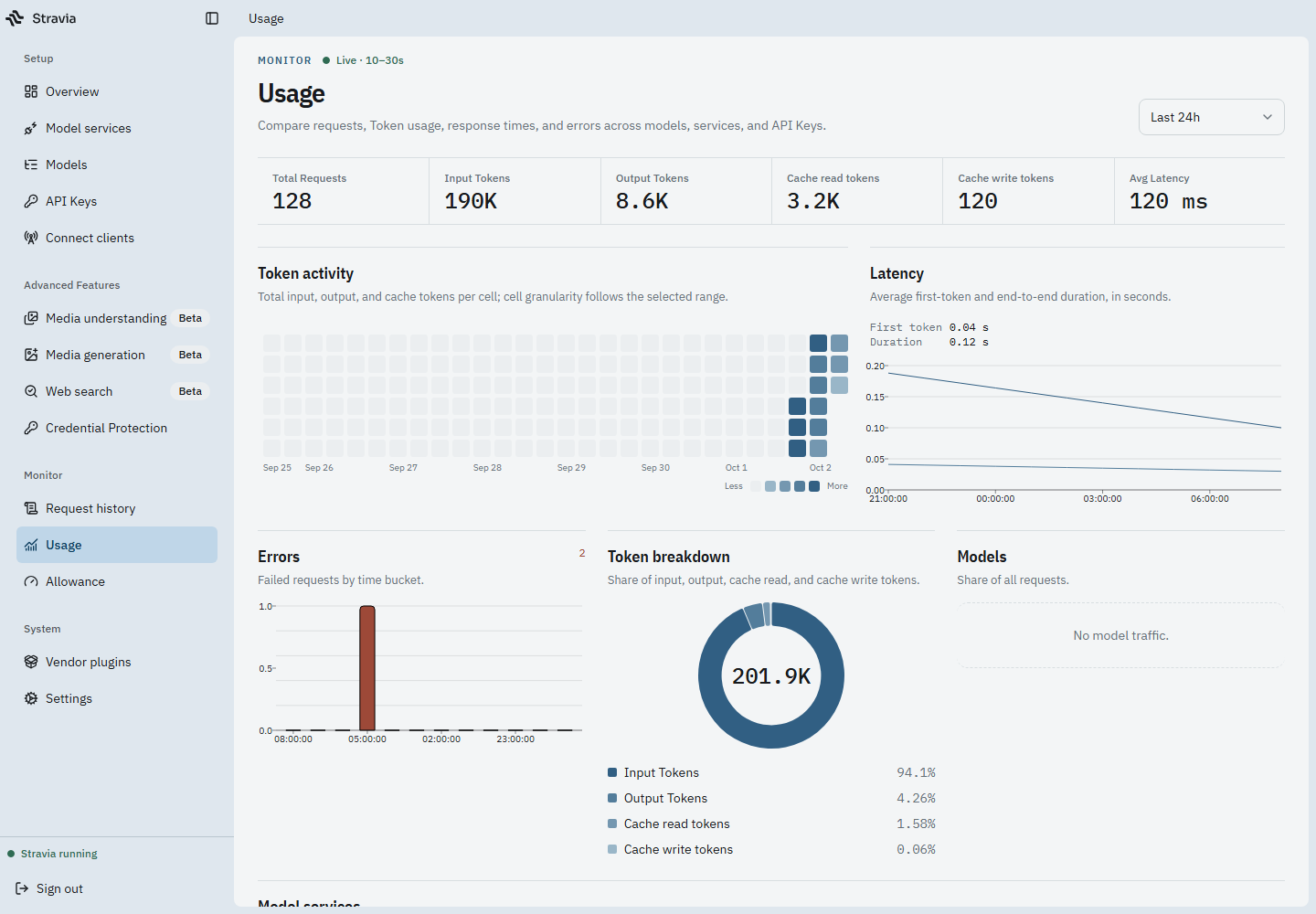
If a value is missing, unknown, or shown as a dash, do not treat it as zero or calculate an exact charge from it. Stravia does not replace missing upstream usage with a tokenizer estimate.
Read Allowances
Open Allowances to see provider-specific quota snapshots where the provider integration supports them. A snapshot may be stale, unavailable, or returned with an error; it is not the same thing as confirmed usage or an invoice.
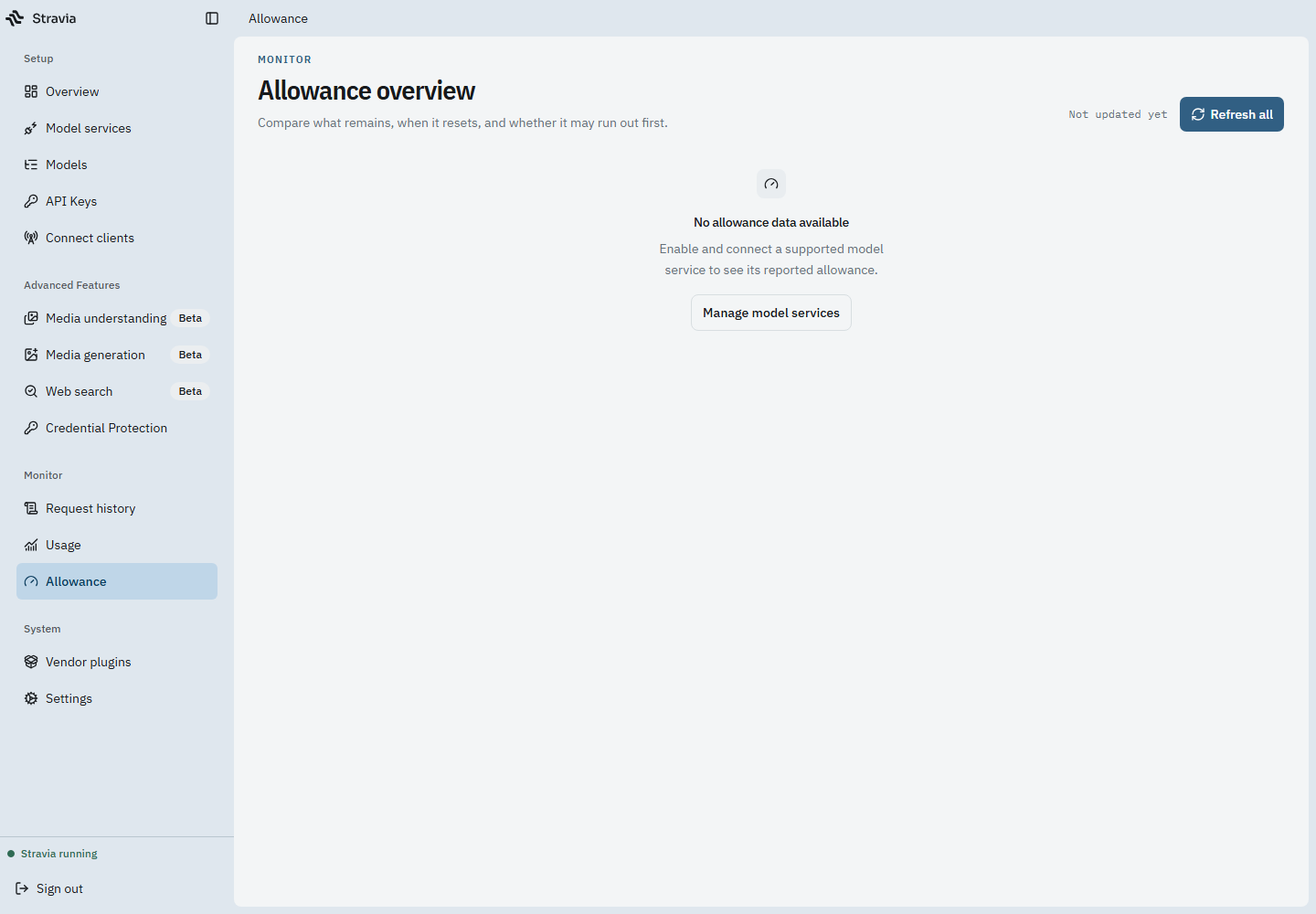
Refreshing a snapshot requests updated information from that provider; availability and fields depend on the provider account and integration. Do not infer that a displayed allowance is a universal spending cap enforced on every request.
Investigate a discrepancy
For one request, inspect its Request history record and the upstream-reported usage available there. For a period summary, compare Usage filters and the selected time range. Treat missing, stale, and failed allowance data as distinct from a reported zero.
Next steps
For model access and routing see Core concepts ; for troubleshooting see the symptom guide .