
Stravia
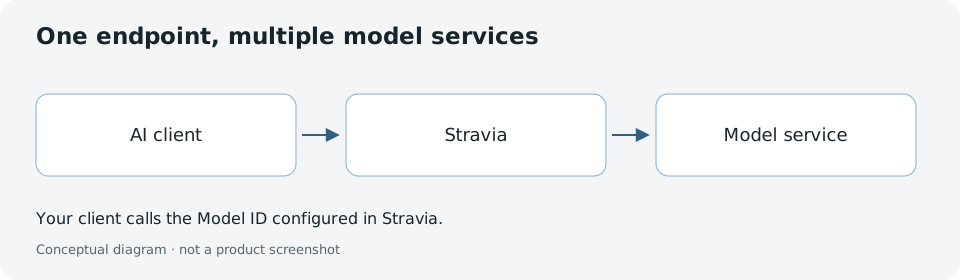
Use Stravia to connect a coding client or SDK to model services through one Stravia Model ID. Start with the Quick start to choose a deployment, configure a provider and API Key, send a first request, and verify it in Request history.
Choose your deployment
- Desktop: Run locally with native authentication; follow the Quick start .
- Server: Run the self-hosted server as a binary or in Docker. Choose a database and configure access before exposing it to clients. Begin with the Quick start and Install .
A successful first setup means the configured client can send a request through Stravia and the interaction appears in Request history. It does not establish that every provider or optional feature is available.
What Stravia does
Coordinate multiple providers: Connect to OpenAI, Anthropic, Google, and other model services in one gateway. Route clients to a configured model through a single endpoint.
Retry and fail over: Retry the same target within budget, then consider configured alternatives when permitted. Once a response is sent to the client, retries stop. Configure retry budget, timeout, and cooldown per target.
Observe requests: Review request history containing prompts, responses, thinking, tool invocations, and model routing decisions. Optional credential protection can redact qualifying readable-text model-bound secrets per API Key; it is not database encryption or comprehensive debug-data redaction.
Control access: Create API Keys with per-model scoping, expiration, concurrency limits, and optional MCP support.
Extend capability: Enable web search, media processing, and other features. Some features use Vendor plugins; network access and external data flows depend on configuration.
Understand the basics
- Model services : Add a provider and its authentication method.
- Models and routing : Create a callable Model ID, configure priority and failover targets.
- API Keys : Issue keys to clients with scoped access and optional MCP support.
- Request history : Review completed interactions, errors, and model selection.
Advanced features
- Web search : Enable local or external web research within conversations.
- Media understanding : Accept images and documents as input to supported models.
- Media generation : Use configured routes to generate images.
- Credential protection : Optional per-key feature to redact qualifying readable-text model-bound secrets.
- Vendor plugins : Import plugins for supported capabilities; plugins may contact external services.
- MCP : Expose Stravia as an MCP server for compatible clients.
Connect clients
- Connect clients : Get configurations for Claude Code, Codex, OpenCode, and 8 other CLI tools.
- SDK : Use OpenAI, Anthropic, or Google Gemini protocols directly from code.
Deploy and operate
- Choose Desktop or Server
- Install
- Reverse proxy : Run Stravia behind HTTPS with trusted headers.
- Databases : Choose SQLite or PostgreSQL.
- Storage : Configure local or S3 artifact storage.
Operate reliably
- Backup and restore : Protect your data across database and file storage.
- Upgrade : Migrate safely between releases.
- Storage operations : Monitor capacity, retention, and growth.
- Diagnostics : Collect logs and debug data safely.
Troubleshoot
- Startup : Server will not start.
- Sign-in : Cannot authenticate.
- Model service : Provider unavailable.
- Missing model : Model not in list.
- Client connection : Client cannot reach Stravia.
- Unauthorized : Request rejected by authorization.
- Model request : Request failed or returned an error.
- Web search : Search did not run.
- Media : Image or media request failed.
FAQ
Common questions about setup, deployment, providers, backup, and upgrading.
Architecture
Stravia is not a frontend editor, workflow builder, or user account system. It is infrastructure:
- Single administrator: Each Server instance has one admin user. Desktop uses native authentication.
- Open API: Use OpenAI Chat, Anthropic, Gemini, or OpenAI-compatible protocols directly from your code.
- Self-hosted instance: Run and persist Stravia's configuration and data on your machine or server. Requests, attachments, catalog/update checks, and plugin features can communicate with external services depending on configuration and enabled behavior.
- Credential protection: Optional per-key redaction covers qualifying readable-text model-bound secrets; it does not encrypt the database, protect backups, or comprehensively redact debug data.
See the README for architecture details and source code.