
MCP
Stravia Server exposes an MCP endpoint at /mcp. A valid Stravia API key authenticates a client, while whether tools are available is a separate per-key permission and feature-eligibility check.
Before connecting
Have a reachable Server endpoint and an active API key. Enable Allow MCP clients on that key when it should access MCP tools. Do not treat an ordinary successful inference request as proof that MCP tools are available.
Configure an MCP client
- Use the Server's approved client endpoint with the
/mcppath. - Configure the client to send the Stravia API key as a Bearer credential using its supported MCP transport settings.
- Enable the relevant tools and platform capabilities in Stravia, then discover tools from the client.
- Call only the tools the key and configured models are permitted to use.
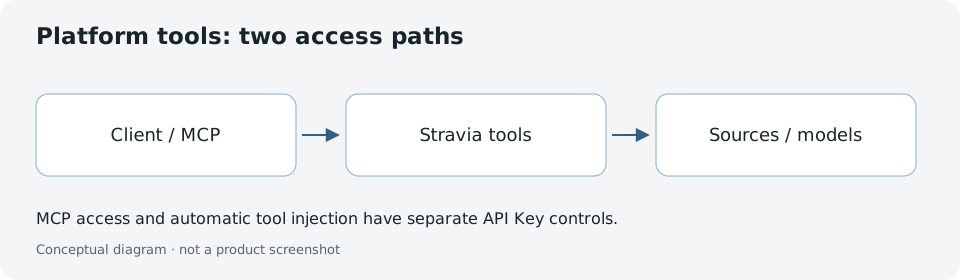
The endpoint accepts a valid key independently of the key's MCP-tool availability gate. A key without MCP permission may authenticate, but MCP tools that require that permission are unavailable. Individual tools may also require a model or platform feature to be enabled.
Keep MCP and transparent injection separate
MCP access is not the same as transparent capability injection into an ordinary inference request. Injection has its own key controls and platform-feature requirement. Enabling one path does not grant the other.
When a browser supplies an Origin, the MCP endpoint applies its own local-origin policy; it is not the same as the Server management-origin configuration. A remote service deployment should use a client and transport appropriate to that trust boundary.
Verify access and troubleshoot missing tools
Check the /mcp endpoint, Bearer credential validity, the key's Allow MCP clients setting, and the platform feature requirements for the specific tool. If a tool is absent, distinguish authentication from tool eligibility before rotating credentials.
Next steps
Review API keys for separate permissions or Deploy for the Server network boundary.