
Storage
Server's database and artifact file storage are separate concerns. Artifact settings choose internal/local storage or an S3-compatible backend and define URLs used in file-transfer flows.
Prerequisites
Use the Server management interface to configure artifact settings. Before choosing S3, provision the endpoint, bucket, credentials, and a client base URL that the intended recipients can reach.
Choose an artifact backend
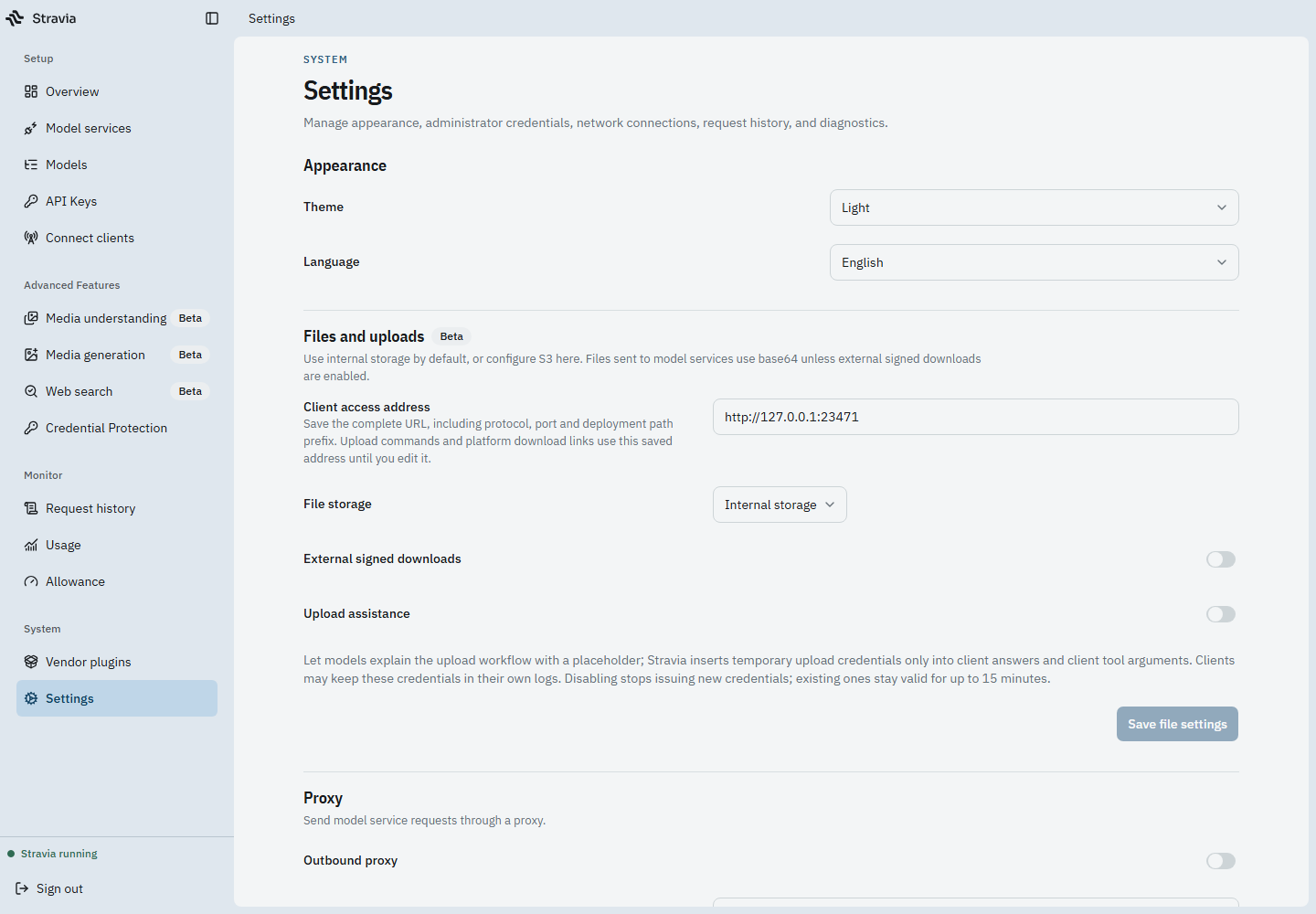
In Settings, review the Artifacts section. It is marked beta and offers internal or S3 storage. The S3 configuration includes endpoint, region, bucket, access key, secret key, and optional session-token fields.
Keep storage credentials private. A successful save does not prove that every client, model service, or browser can reach the configured storage endpoint.
Configure client and public URLs
Set the client base URL to an address that the intended recipient can reach. If using S3, verify that endpoint and bucket settings are reachable from Server and that the S3 credentials grant only the required access.
External signed downloads use a public URL configuration and short-lived signed grants. A signed URL is a bearer credential: anyone who receives it may be able to use it until it expires. Do not publish it or write it into support logs.
Troubleshoot storage problems and verify behavior
Use a supported artifact transfer to confirm that uploads and downloads work from the actual participating clients. Test network reachability from those clients, not only from the Server host. The UI saving a URL does not validate external DNS, proxy rules, object permissions, or user reachability.
Plan complete recovery
For local artifact storage, include the data-root files with the database in backups. When PostgreSQL is configured, remember that the database alone does not contain local artifacts and imported plugin components.
Next steps
For the database backend, see Databases . For a complete recovery set, follow Backup and restore .