
Media understanding
Media understanding is an optional support capability: Stravia uses a configured model to help handle supported media in another model's request. It does not create a new client-facing Model ID by itself.
Prerequisites
Choose a model service and model that support the image input needed by your workflow. Confirm that the model is enabled and can be reached with the credentials and account entitlements configured on that service.
Configure the support model
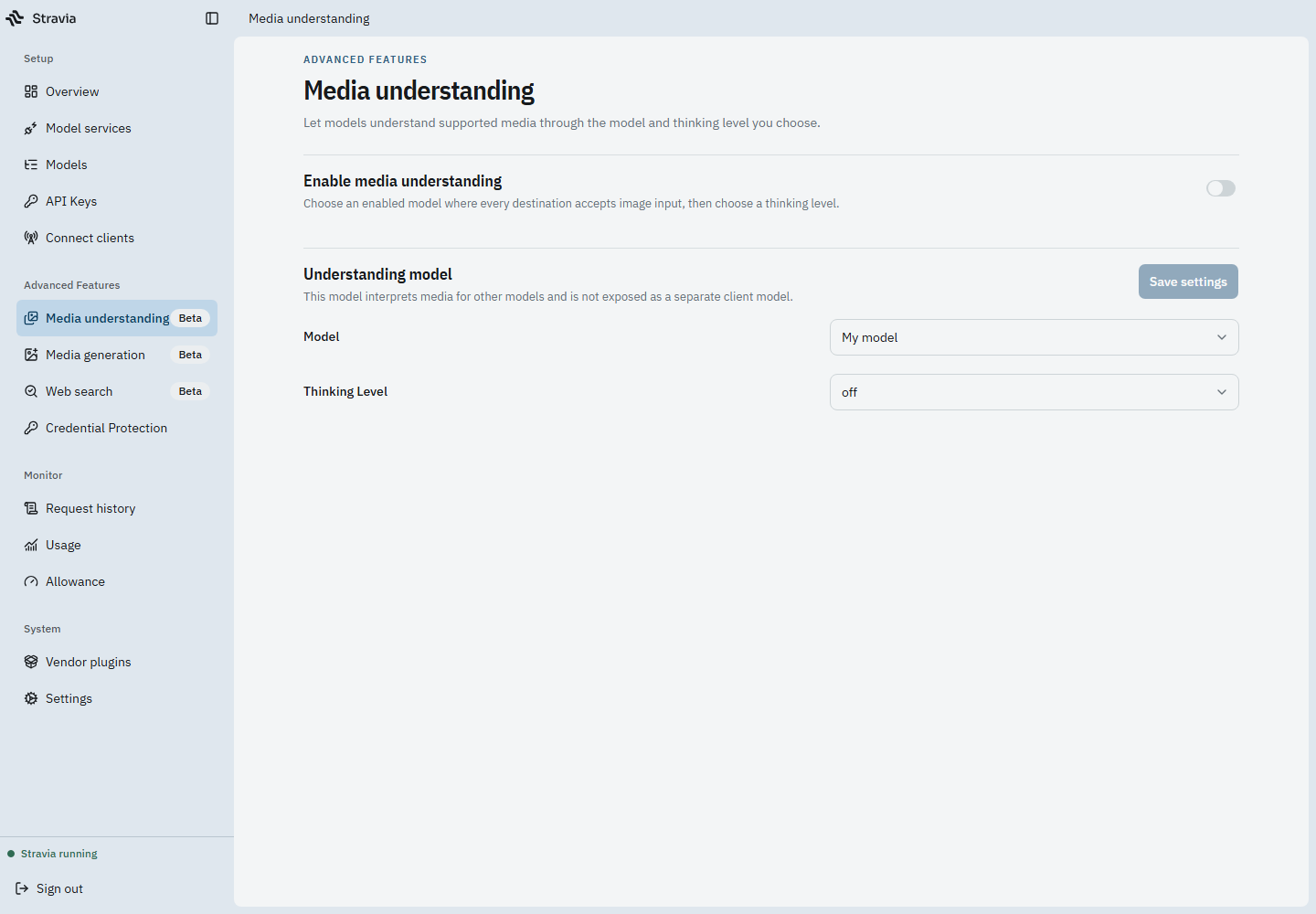
- Open Media understanding.
- Select the intended support model and any available thinking-level setting.
- Save the configuration.
- Exercise an eligible request through a client model and inspect the result in Request history.
Use only file types and input forms supported by the current product and chosen model. This setting does not imply that every binary attachment, URL, or media format can be read.
Verify or troubleshoot
Check the feature's enabled state, selected model, route availability, and whether the request actually includes a supported media input. If the model cannot process the request, verify its upstream capability and inspect the recorded interaction rather than assuming that any client-facing model can accept all media.
Next steps
For image generation, which has separate route and upstream requirements, see Media generation .