
Add a model
Clients request a Stravia Model ID. The route's destinations tell Stravia which upstream service and model can serve that ID.
Before you begin
Connect a model service and wait for its model inventory, or identify the service and upstream model you will add manually. Do not use an upstream model name as a client-facing Model ID unless that is the ID you intend clients to request.
Add a model from a synchronized service
- Open Model services and locate the upstream model you want.
- Choose Add model beside it.
- In Models, enter the client-facing Model ID.
- Confirm the selected destination is enabled, then save. Also confirm the model itself is enabled.
The editor preselects the service and model from which you started. The client-facing ID can differ from the upstream model identifier.
Add a model directly
- Open Models and create a model.
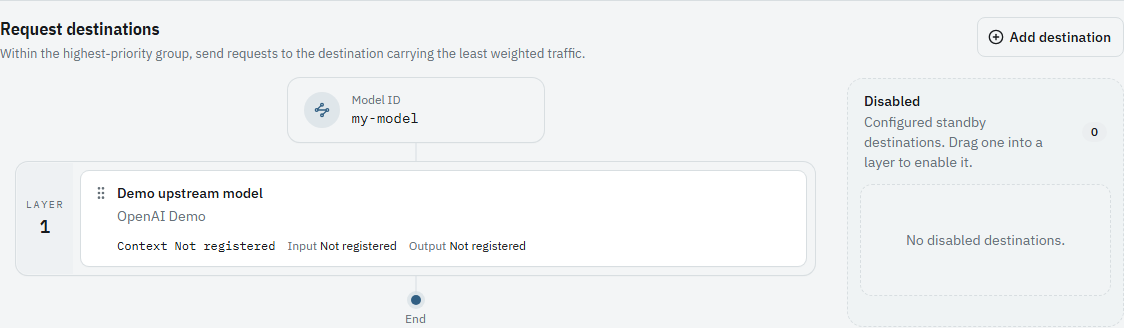
- Choose Add destination.
- Select a model service and an upstream model from that service.
- Leave the destination enabled, set the Model ID, and save. Confirm that the model is enabled as well.

Verify the route
Find the Model ID in Models. It must be enabled and have at least one enabled destination. Use this exact ID in the client request and grant it to the client's API key.
Troubleshoot a model that cannot be called
Check that the model and its destination are enabled, the selected upstream service is usable, and the API key permits the exact Model ID. A catalog entry alone is not a callable model.
Next steps
Create a key restricted to this model in Create an API key , then see Connect clients .